News bulletins
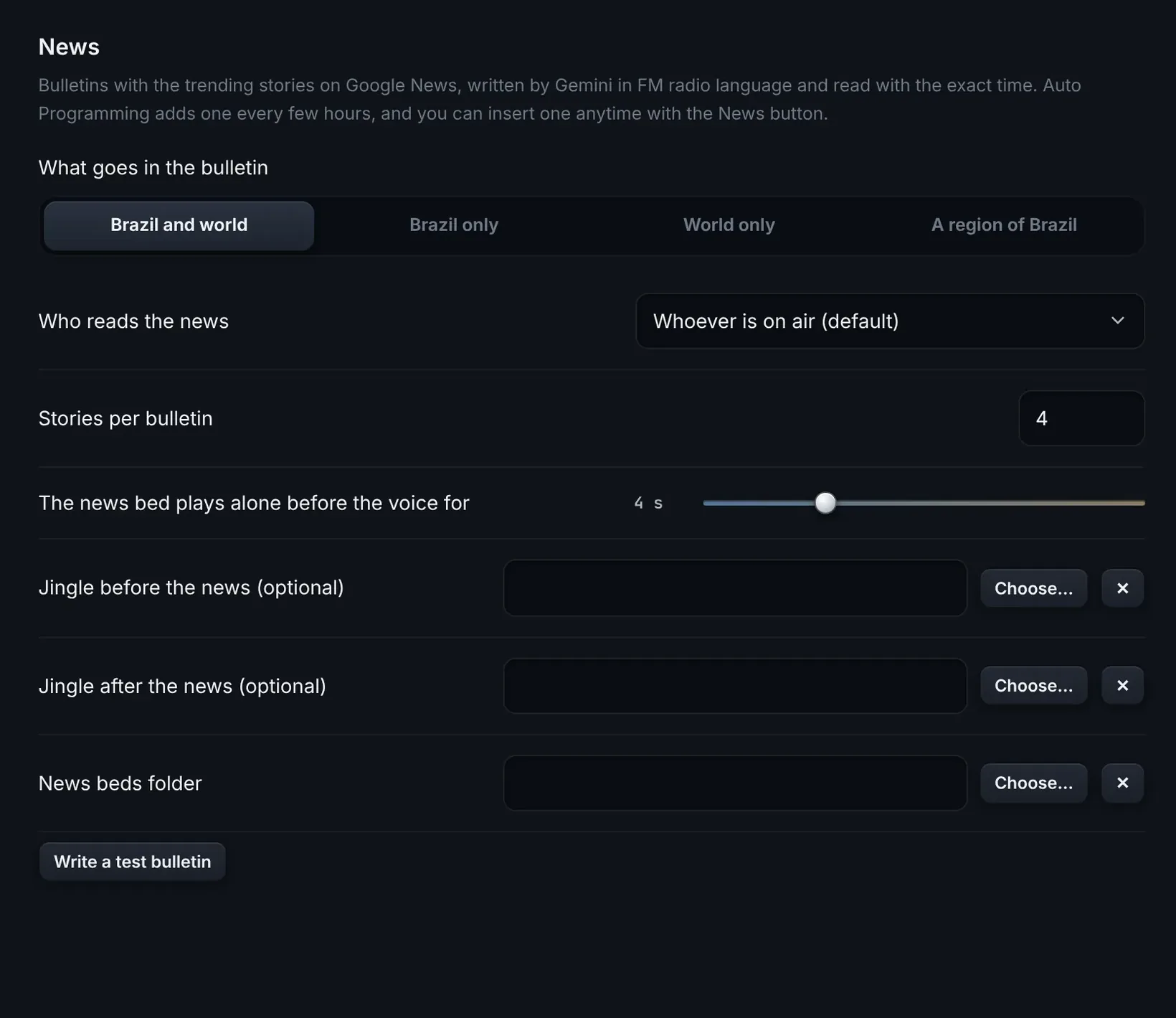
What’s trending on Google News, written in radio language and read with the current time. Choose country, world or your region, the bed and the jingles.
 Buy
The next level of radio automation.
ONDA Studio schedules, hosts, processes and streams your FM station, 24 hours a day. The studio, the remote schedule and the air-check logger come on one license.
For macOS and Windows
This is the real ONDA Studio screen, running a fictional station.
When on, it talks every few songs, always between two songs. The script is written on the spot with what played, what’s next, the time, the temperature and your station’s announcements.
Sample script
It’s six forty here on Radio Onda, and here comes another one you love. Stay with me!
MusicVoice
You set how fast the music ducks, when the voice comes in and how it all returns.
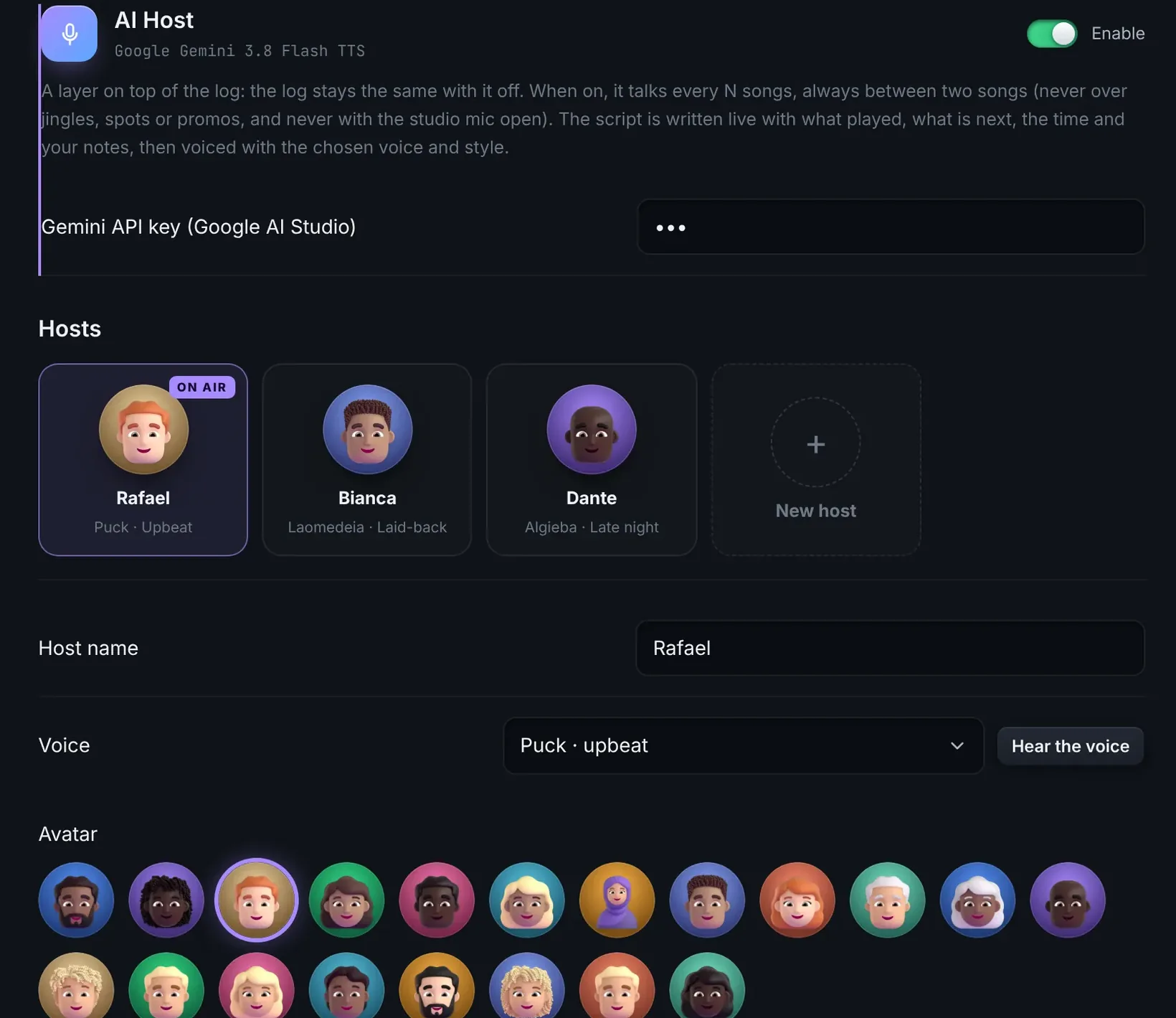
Uses your station’s Google Gemini key. Google bills that usage to your account, at Gemini’s rates.
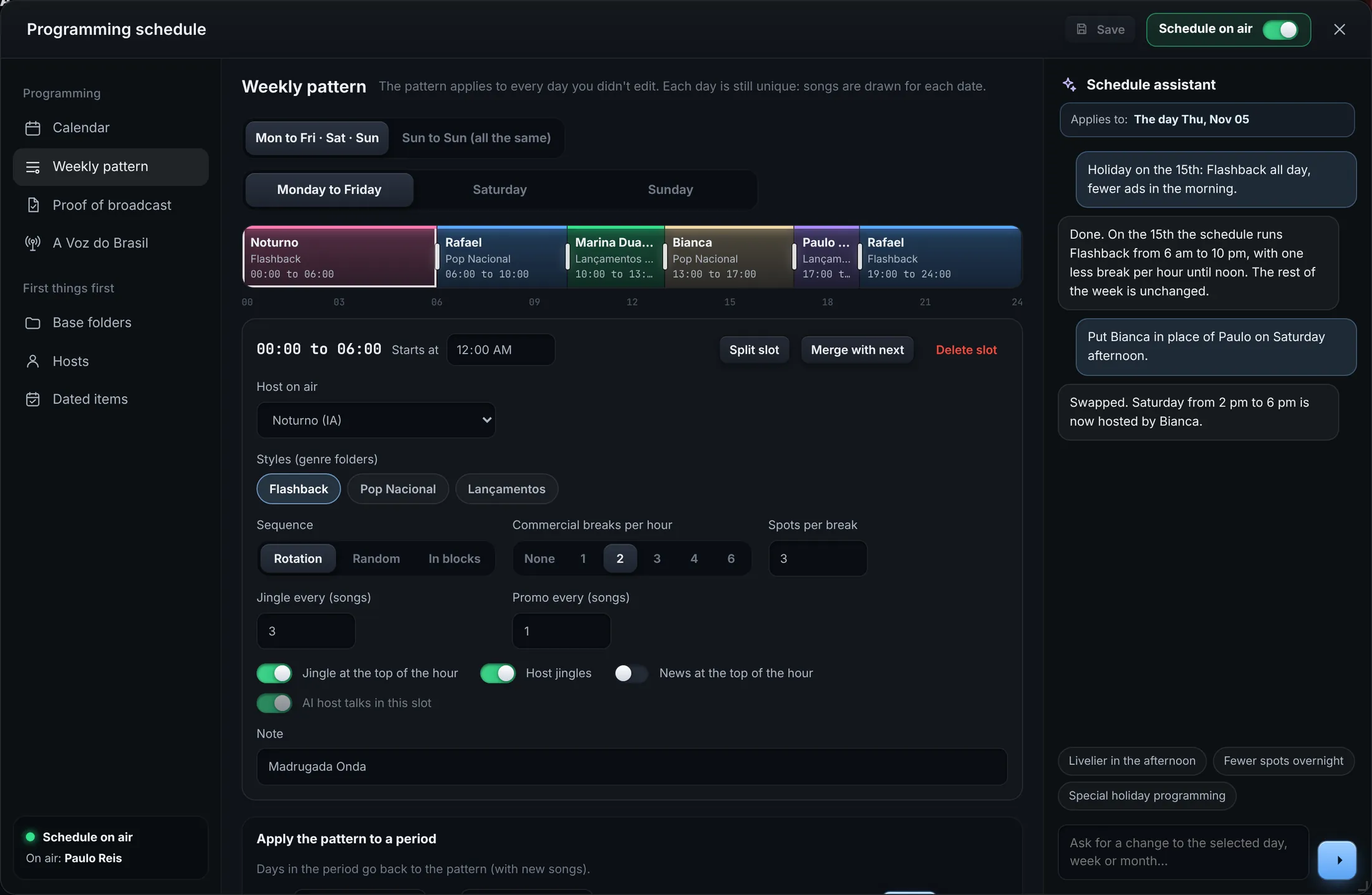
Set the rules once: breaks per hour, a jingle every few songs, no-repeat, the folders for each time slot. ONDA builds the hour and shows you how it will run before it goes to air.
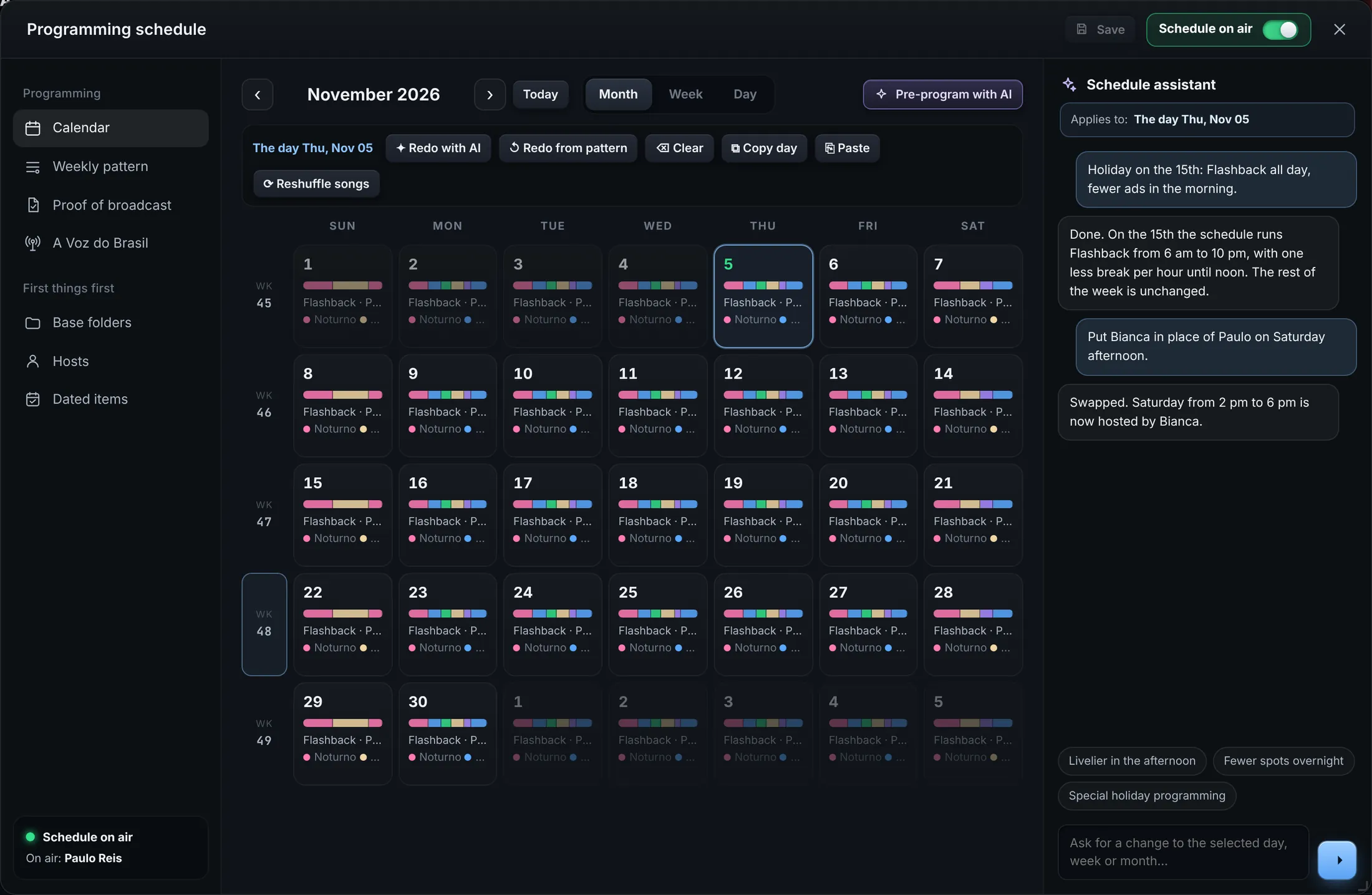
The GRADE puts the whole month on a calendar: slots with host, styles, sequence and ads. Dated items run on their own between start and end and stop when the date passes.
Pick a day, a week or the month and say what you want. The assistant reworks the schedule, and the AI can pre-program whole months. Nothing goes to air until you save.
What’s trending on Google News, written in radio language and read with the current time. Choose country, world or your region, the bed and the jingles.
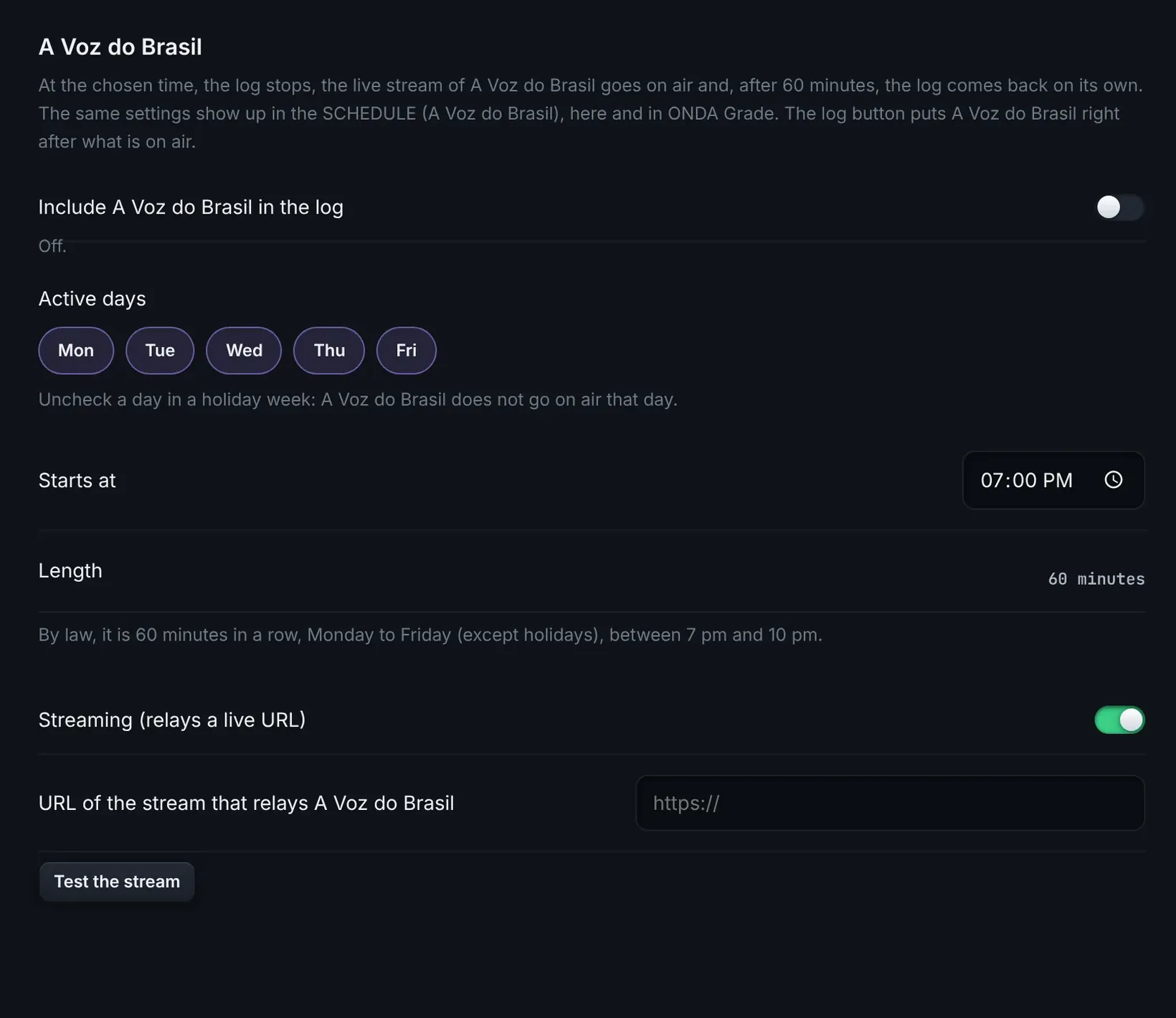
For Brazilian stations: at the set time the music stops, the live stream comes in and after 60 minutes the program returns on its own. Untick a day in a holiday week.
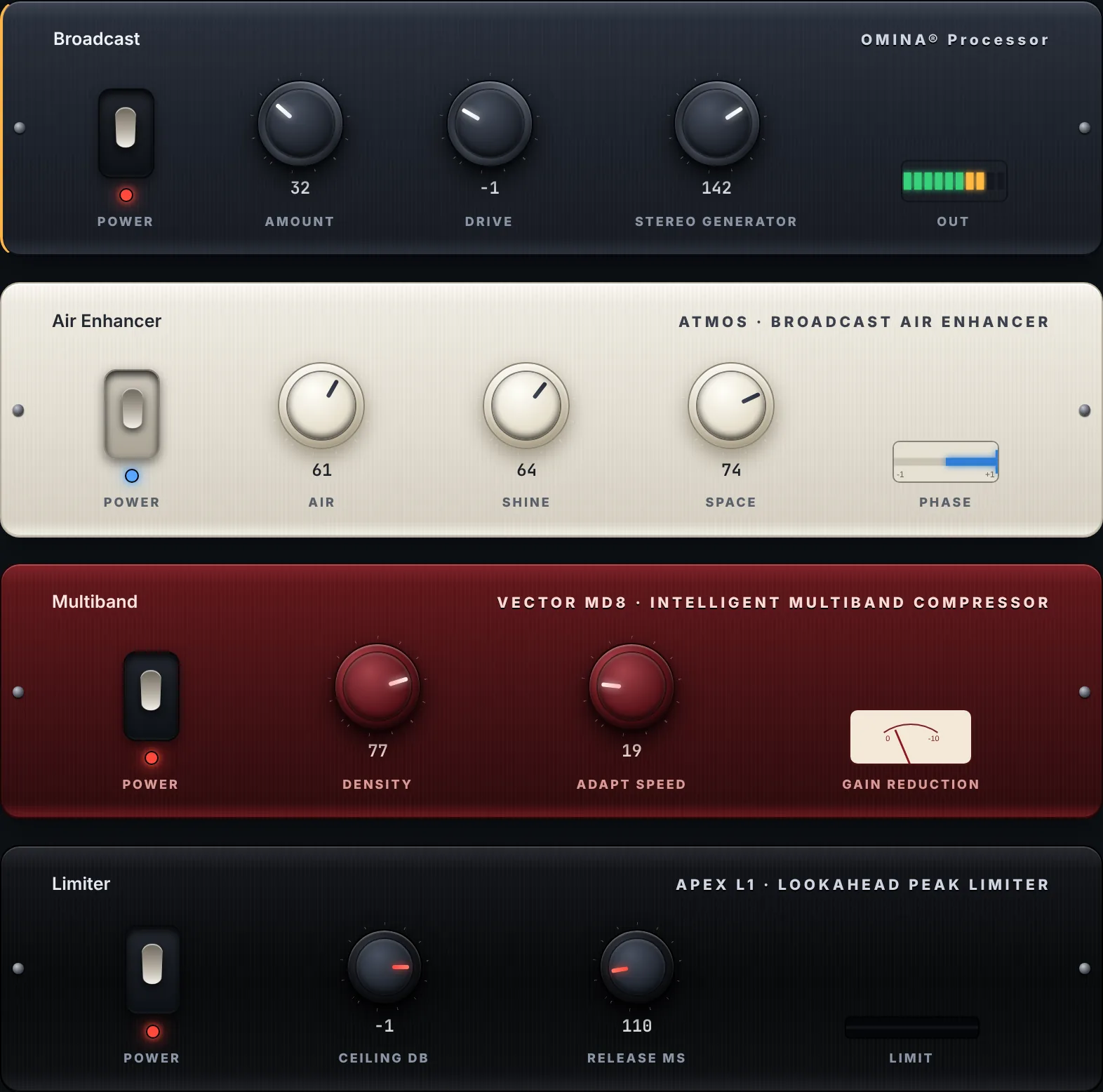
Four stages in the air chain, inside the app. Ready presets, your own presets, per-track normalization and LUFS metering.
Your own server with a listen link, Icecast or Shoutcast. The listener count stays on screen.

The silence sensor notices and puts the emergency program on air by itself, in the time you set.
Send the song on air to your website, Discord or automations.
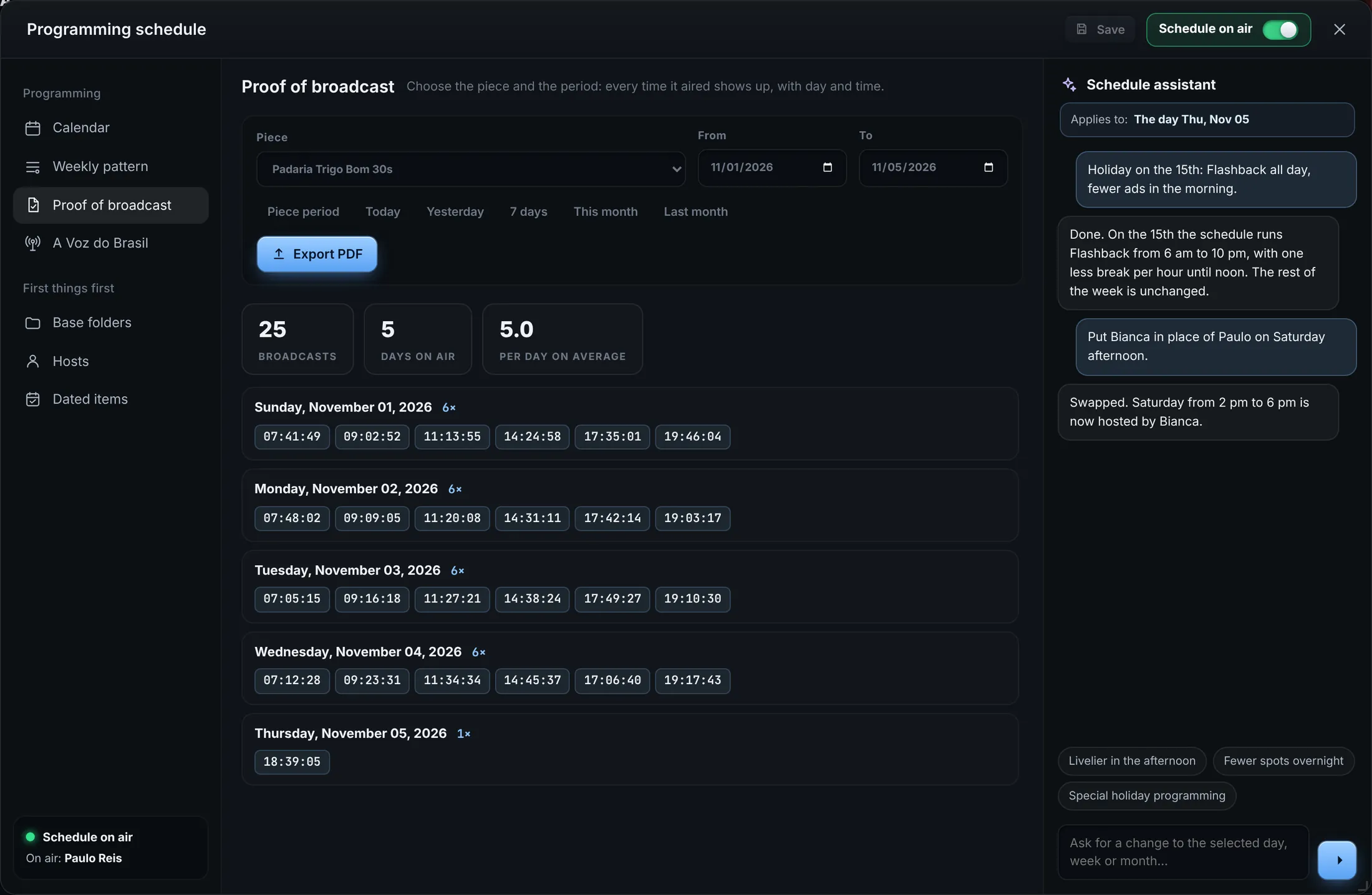
Pick the spot and the period. The proof of airing shows every time it played, with day and time.
ONDA Grade opens the same schedule on another computer, from anywhere. What you save goes live, and the status shows each step.
With the studio off or offline, it waits and applies as soon as the two connect. Everything is encrypted before it leaves the computer, with 256-bit AES-GCM.
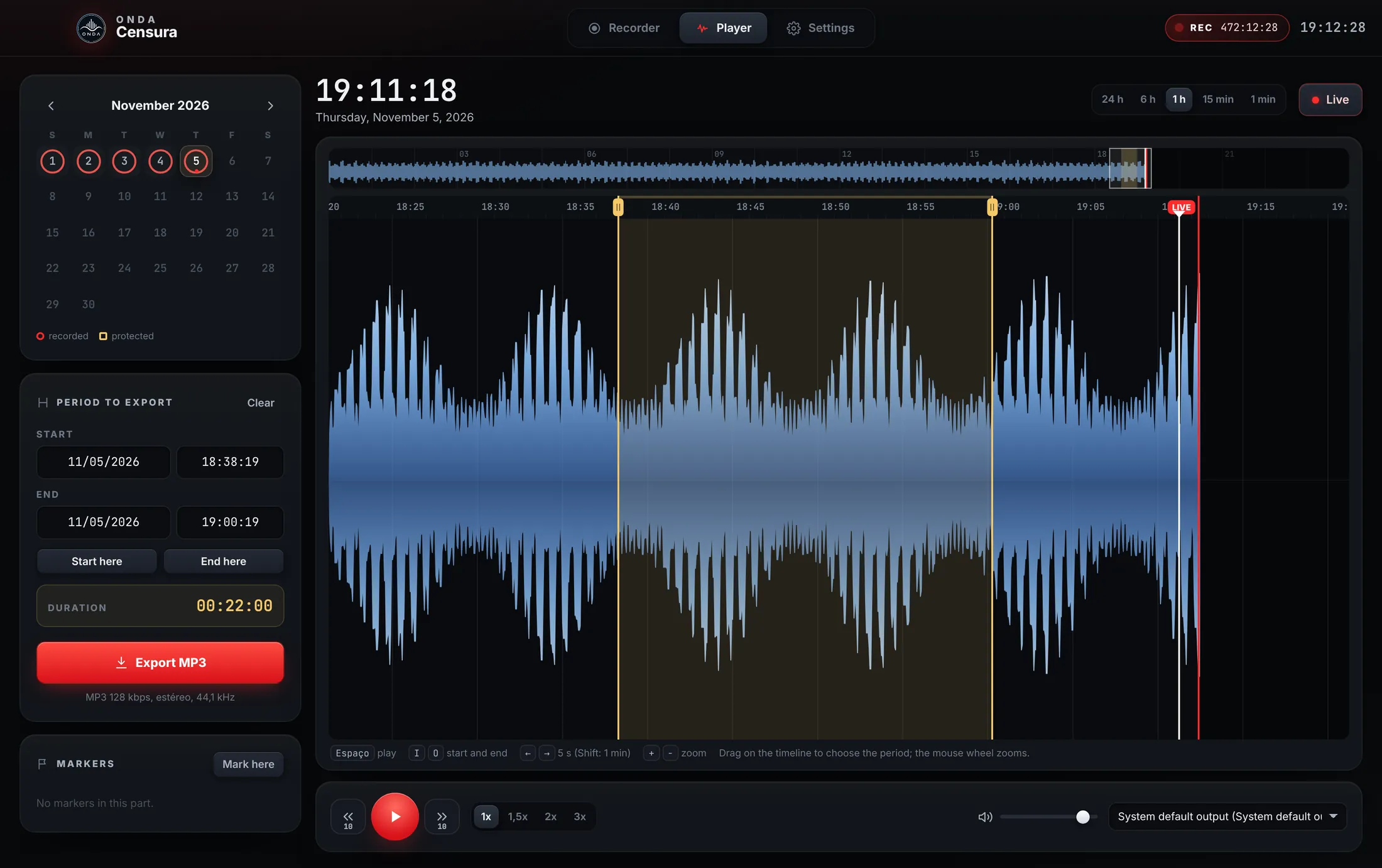
ONDA Censura records straight from the audio interface to MP3, one file every 15 minutes, with no gap between them. Find any moment on the calendar and export it in seconds.
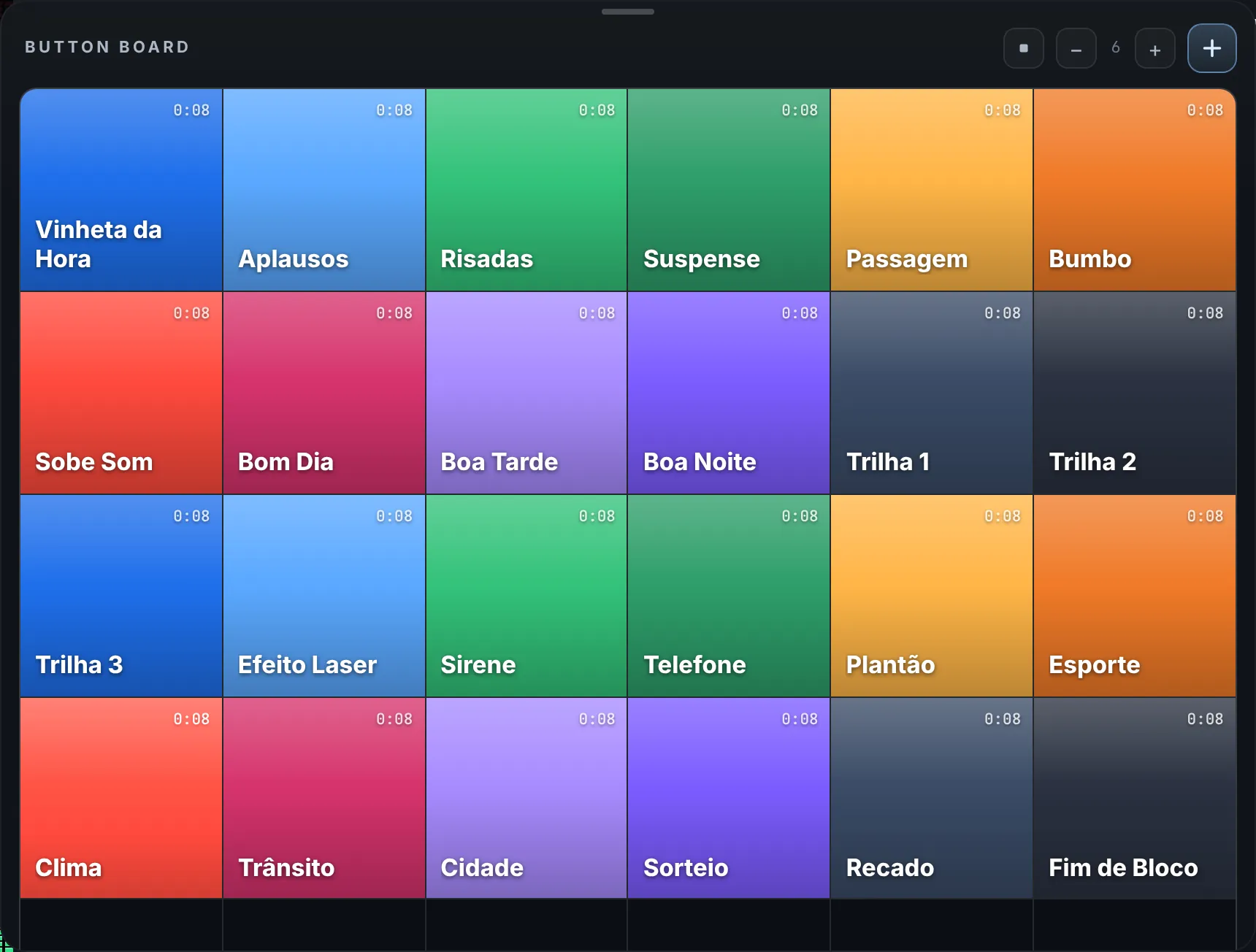
A wall of pads as big as you need. Drag media onto a pad; one click plays, another stops.
Preamp, compressor, de-esser, enhancer, presence and gate. The fader starts muted, for safety.
Any USB or Bluetooth controller, in generic or Mackie Control mode. Click Learn and move the fader.
At each host’s time, their profile opens by itself, without interrupting what’s playing.
Was US$ 890 now
US$490
one-time payment
+ US$ 39 per month maintenance
The first month is included in the purchase.
Buy ONDA StudioMaintenance keeps the license active. If a payment fails, the license is blocked and you get a link to settle it; once paid, it comes back by itself. Promotional price for a limited time.
Yes. The program plays from the station’s computer. AI hosts, news, A Voz do Brasil, web streaming and ONDA Grade need internet.
macOS (Apple Silicon and Intel) and 64-bit Windows. To stay on air 24 hours, use a computer just for the station, with your audio interface.
Each app on each computer counts as one use. The license covers up to 8: for example Studio at the station, Censura on another machine and Grade at home.
Voice and scripts use your station’s Google Gemini key, and Google bills your account directly at its rates. With the host off, there is no such cost.
ffmpeg installed on the computer. In own-server mode the app makes a link; to listen outside the local network, forward the port on your router or use Icecast or Shoutcast.
The license is blocked and the app asks you to settle it when it opens. Once paid, it comes back by itself, with the same serial.
No. Licensing and royalty payments are the station’s. ONDA produces the play report for your reporting.
Yes. Name, logo, banner, slogan and frequency are yours, and the app comes in Portuguese, English and Spanish.
US dollars, by card, through Stripe.
 87.9MHzStart